
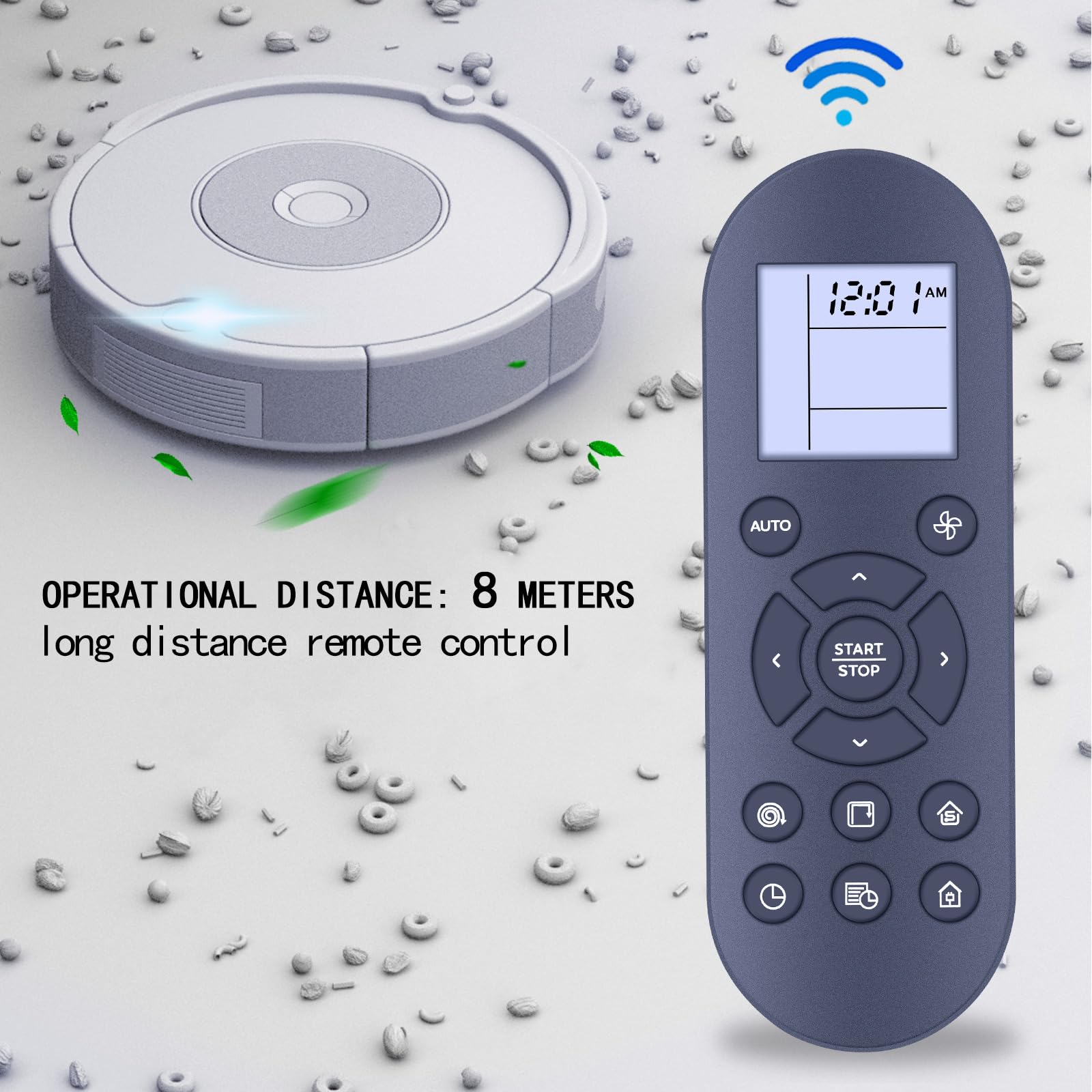
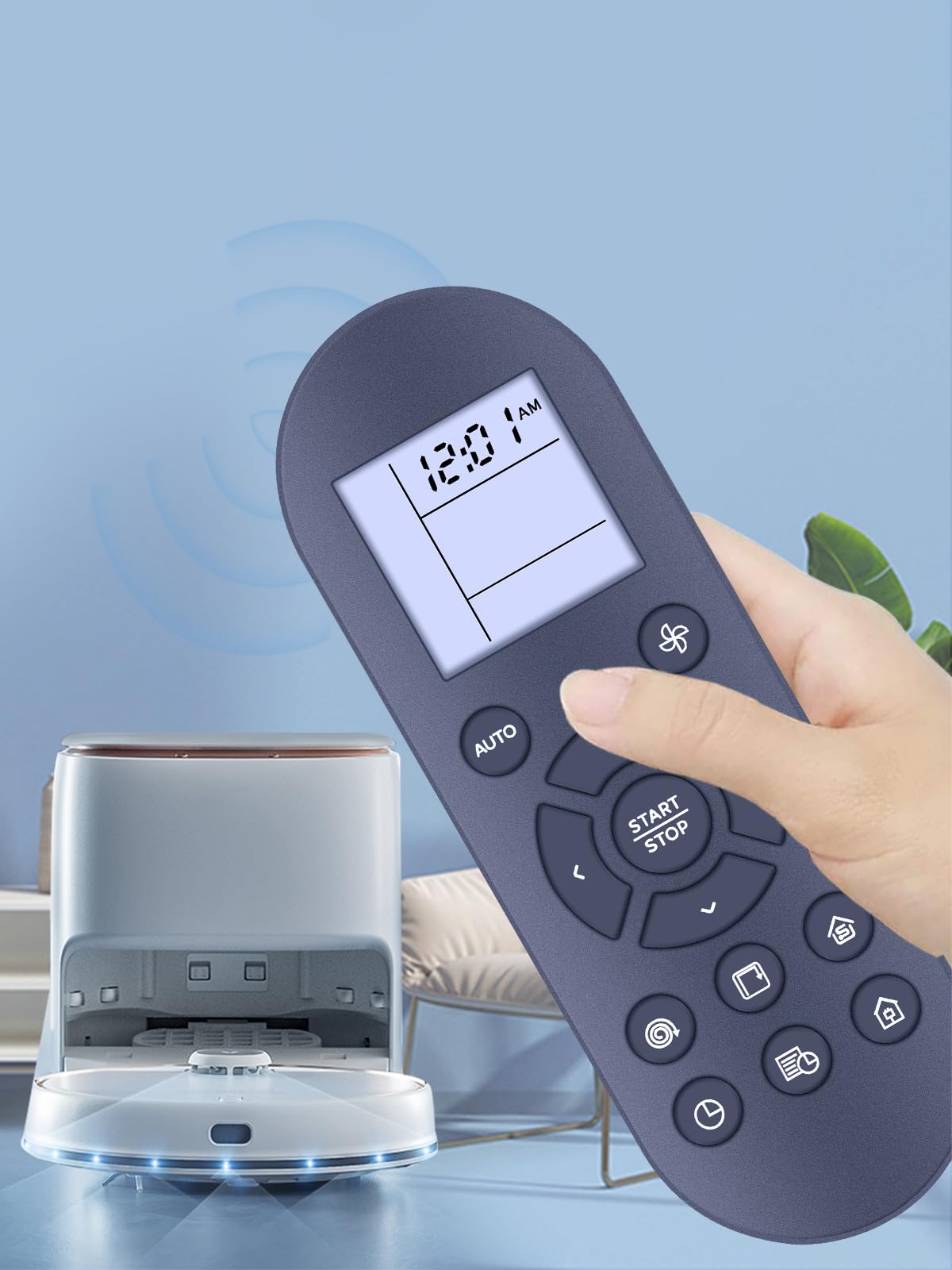


PZL New Replacement Remote Control Compatible with eufy RoboVac 11S, 11S MAX, Plus, 12, 15T, 30, 15C, 30C, T2108, T2126114 Robot Vacuum Cleaner
- Compatible Models: New replacement remote control compatible with 11S, 11S MAX, Plus, 12, 15T, 30, 15C, 30C, T2108, T2126114
- How to Pair: Some models require pairing. In this case, do not dock the device to the Charging Base. Turn off the main power switch and then: (1) press and hold [START/STOP] on the remote control until the clock icon blinks on the display; (2) turn on the main power switch. You will hear three beeps after successful pairing
- Easy To Use: New ABS material, better craftsmanship, ergonomic arc design ensures easy to hold. The keys are responsive and feel great to touch. Precise control over distances of up to 12 metres/40 feet. The fastest response to the device is less than 0.2 seconds and it supports over 120,000 click approval tests, you'll have a better and free Remote control experience.
- Package Included: 1 x IR Remote control (Batteries and Instructions are Not Included).
- After-sales service: If you have any questions about your order or model, we will provide timely service within 24 hours.
Estimated shipping
Select a product to estimate shipping.PZL New Replacement Remote Control for EUFY RoboVac 11S, 11S MAX, Plus, 12, 15T, 30, 15C, 30C, T2108, T2126114
Package Included: 1 x Remote Control (Batteries and Instructions are Not Included).
Pair Method:
Do not dock the device to the Charging Base. Turn off the main power switch and then:
(1) press and hold [START/STOP] on the remote control until the olock icon blinks on the display;
(2) turn on the main power switch. You will hear three beeps after successful pairing
Specifications
| Main Specification | |
|---|---|
| Manufacturer | PZL |
| Controller Type | Button Control |
| Max Number of Supported Devices | 1 |
| Brand | Pzl |
| Model Name | 2c96aaf8-f99e-48d9-b7fa-873bc53422f9 |
| Compatible Devices | Television |
| Maximum Range | 40 Feet |
| Colour | Black |
| Special Feature | No Programming Required |
| Technical Details | |
|---|---|
| Manufacturer Part Number | 2c96aaf8-f99e-48d9-b7fa-873bc53422f9 |
| Item details | |
|---|---|
| Model Number | 2c96aaf8-f99e-48d9-b7fa-873bc53422f9 |
| Others | |
|---|---|
| Product Type | Vacuum Replacement Parts |
| Network Connectivity Technology | Infrared |
| Product Features | No Programming Required |
| Maximum Number of Supported Devices | 1 |
| Button Quantity | 5 |
| Battery Types | Alkaline |
| Tags | |
|---|---|
| Tags | |