
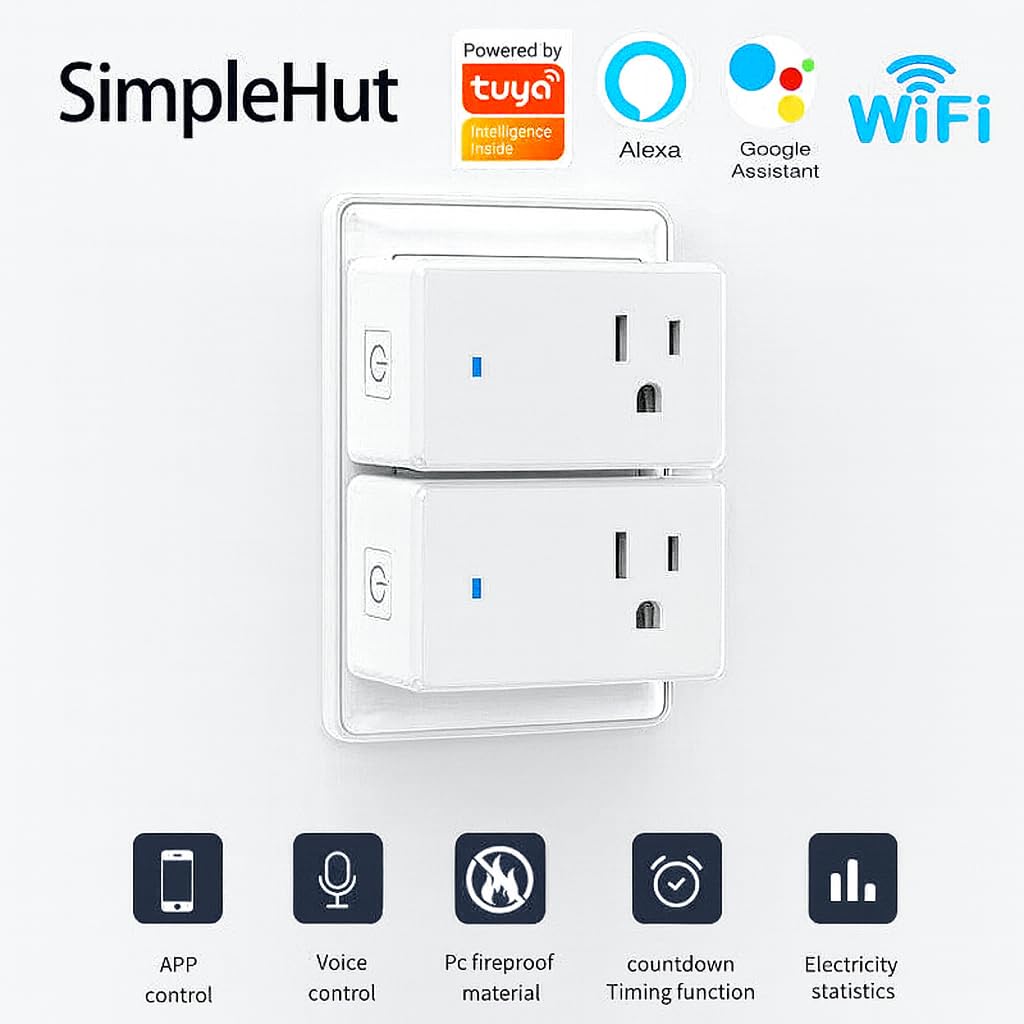

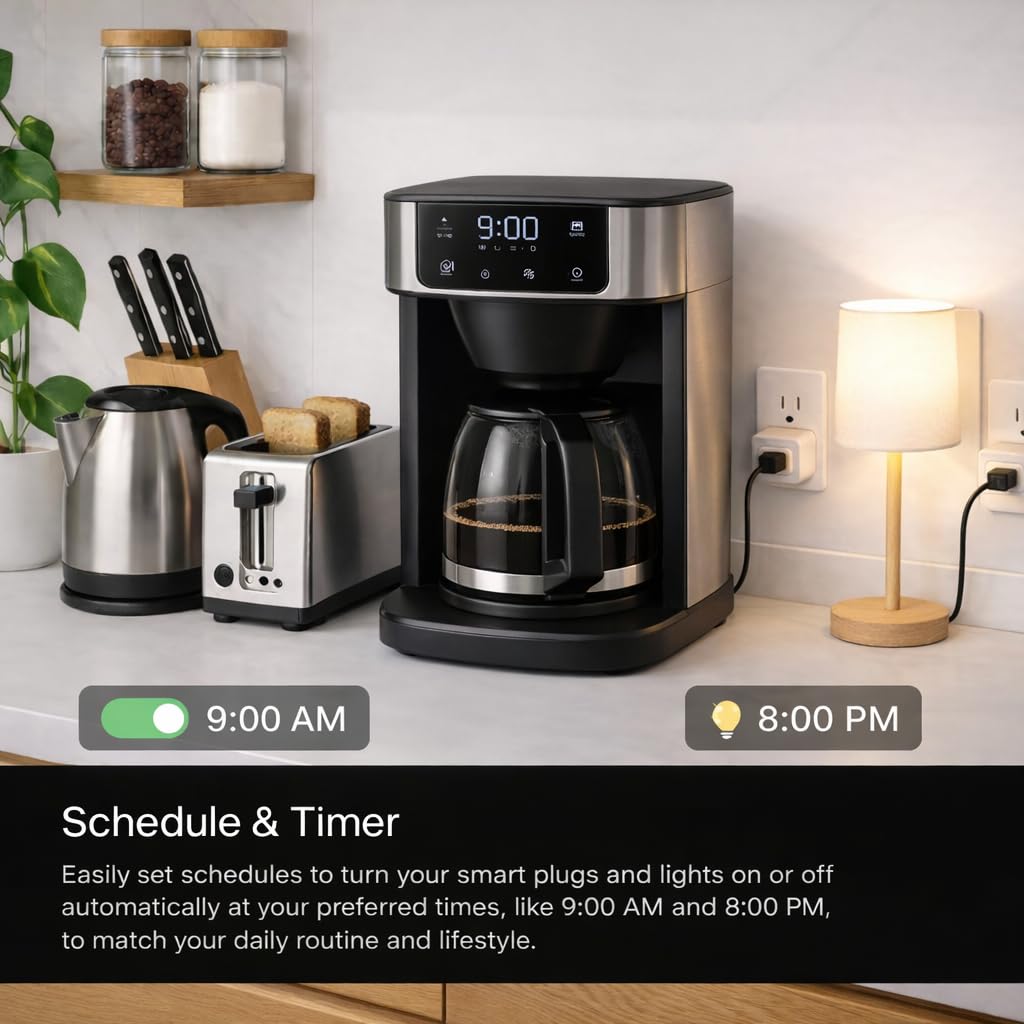
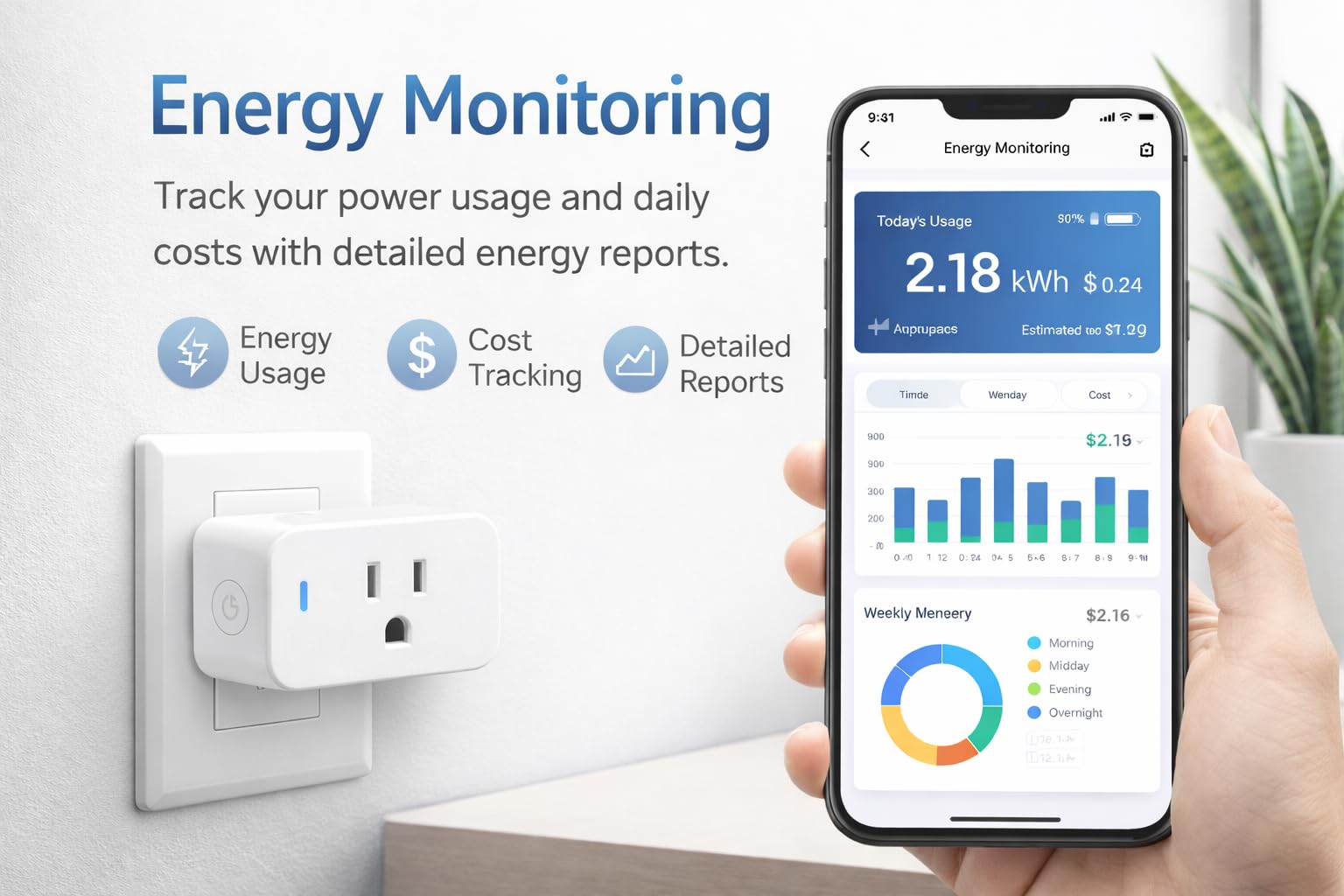

Compact Smart Plug, Works with Alexa & Assistant, Smart Life App & Voice Control, Energy Monitoring, Timer Scheduling, No Hub Required, App Remote Control, 2.4 GHz WiFi Outlet, 4-Pack
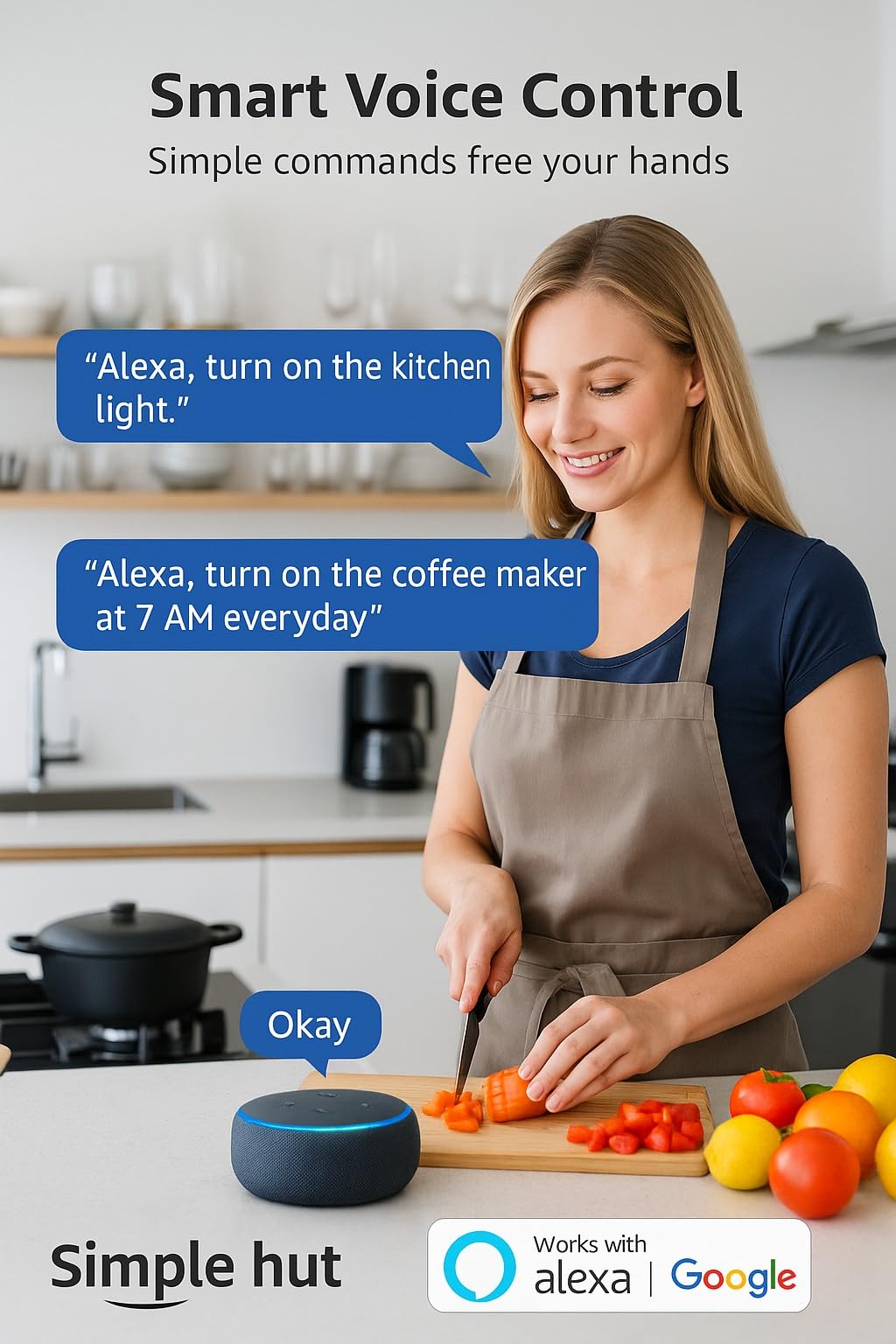
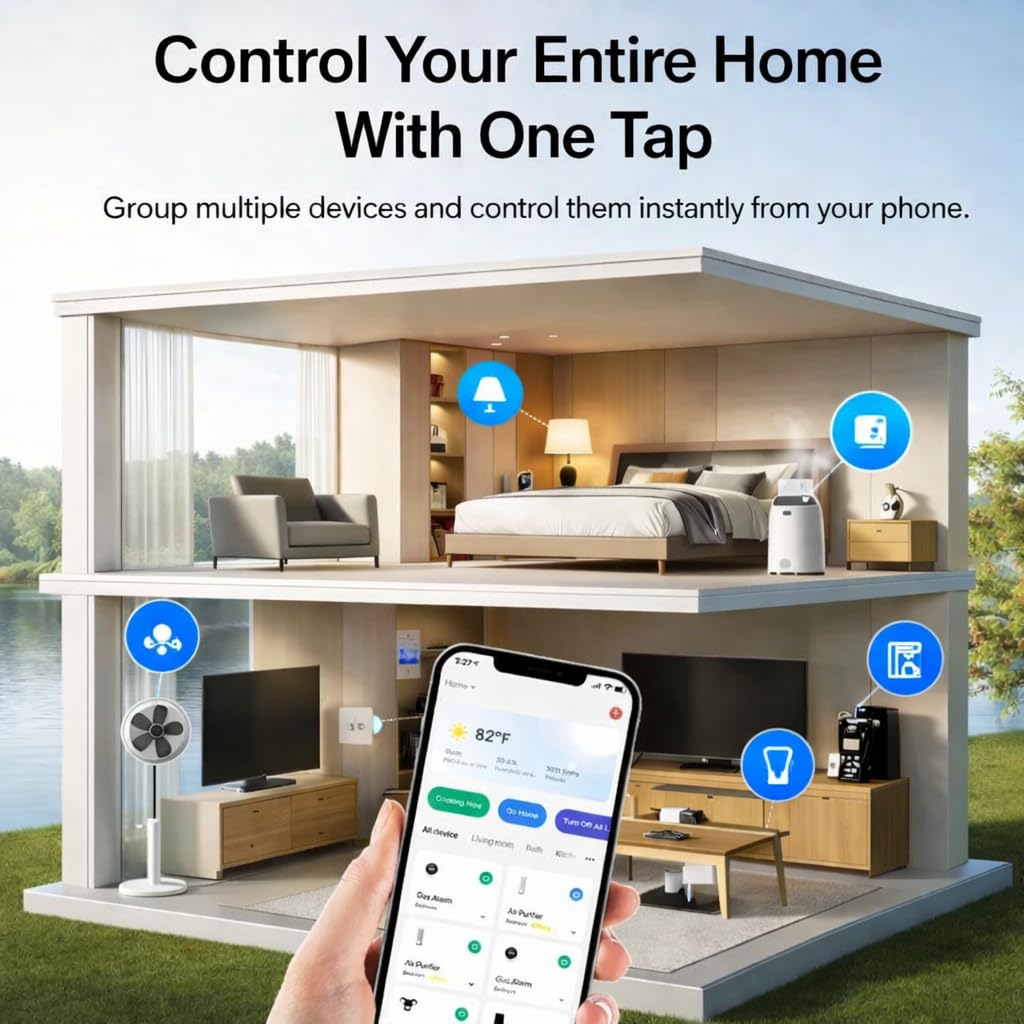
- Hands-Free Voice Control (Alexa & Assistant) Works seamlessly with Alexa and Assistant for instant voice commands. Turn devices on/off, automate routines, and control your home without lifting a finger — no hub required.
Estimated shipping
Select a product to estimate shipping.How to connect smart plug?
1. Download the Smart Life App and register for an account.
2. Power on the plug and ensure that the indicator is flashing.
3. The Smart Life App will automatically detect the plug.
4. Follow the prompts to complete the connection process.
How do I use the plug to work with third-party voice assistants?
1. Open the Smart Life App and connect your plug.
2. In the Smart Life App, go to "Me" > "Third-Party Services", and select Alexa/.
3. Or, open the Alexa App, go to "Skills & Games", search for "Smart Life", and enable the skill.
My plug is connected to Smart Life, but Alexa still doesn't work. What should I do?
1. Make sure your Alexa device and smart plug are on the same 2.4GHz Wi-Fi network.
2. Confirm that the Smart Life skill is enabled in the Alexa App and properly linked.
3. Try saying “Alexa, discover devices” to refresh the connection.
Why can't the smart plug connect to Wi-Fi?
Make sure your phone is connected to a 2.4GHz Wi-Fi network, as the SimpleHut Smart Plug does not support 5GHz networks. Keep the plug close to your router and ensure the indicator light is blinking rapidly before pairing.
How do I reset the smart plug?
Press and hold the power button for about 5 seconds until the indicator light starts blinking rapidly. This means the plug has entered pairing mode and can be connected again through the Smart Life app.
Product details


Especificaciones
| Main Specification | |
|---|---|
| Dispositivos compatibles | Alexa, Google Assistant, Smart Life App (Tuya) |
| Fabricantes | SimpleHut |
| Cuenta de unidad | 4 Conde |
| Método de control | Voz |
| Medida de especificación | FCC |
| Material de contacto | Plástico |
| Tipo de contacto | Normalmente cerrado |
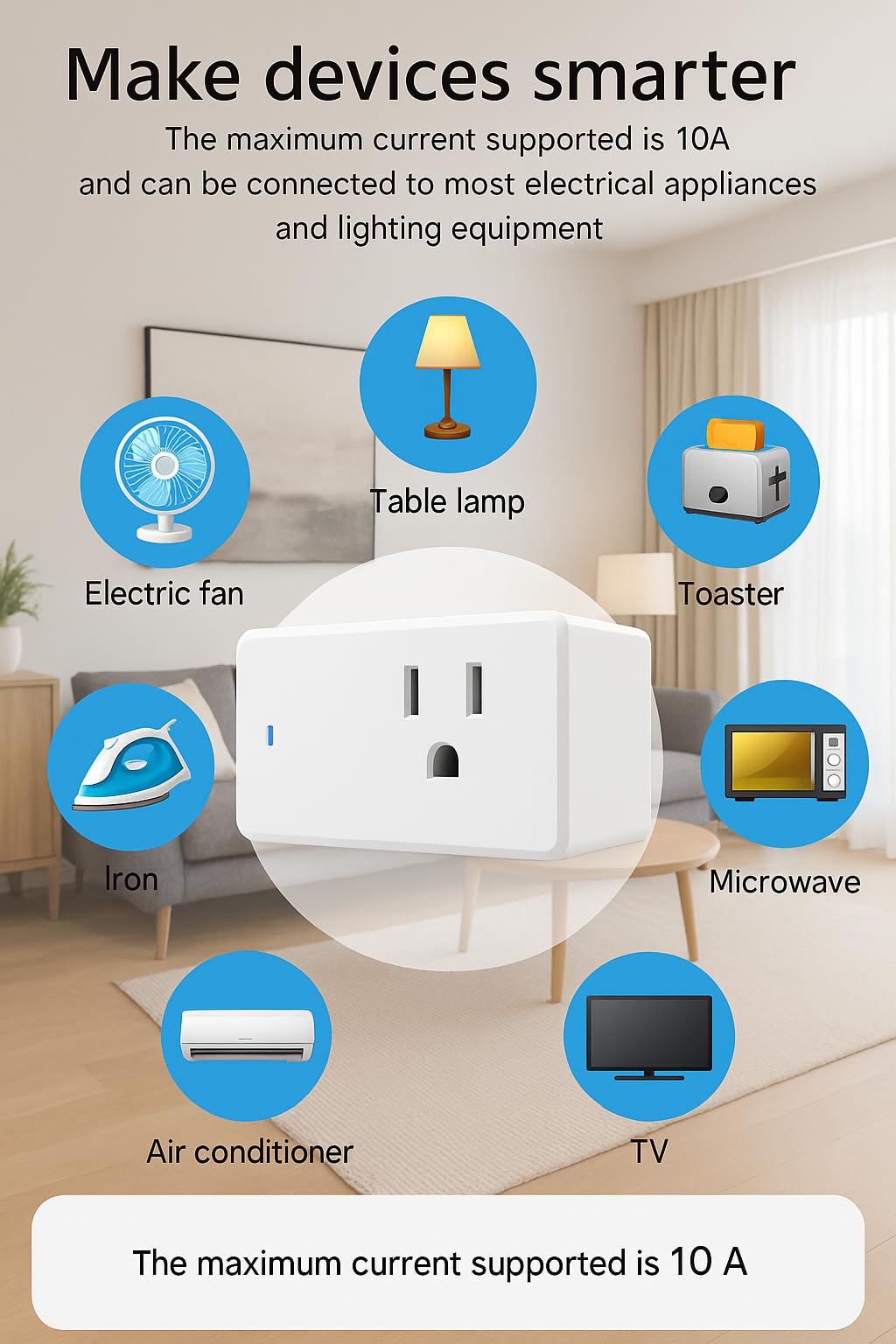
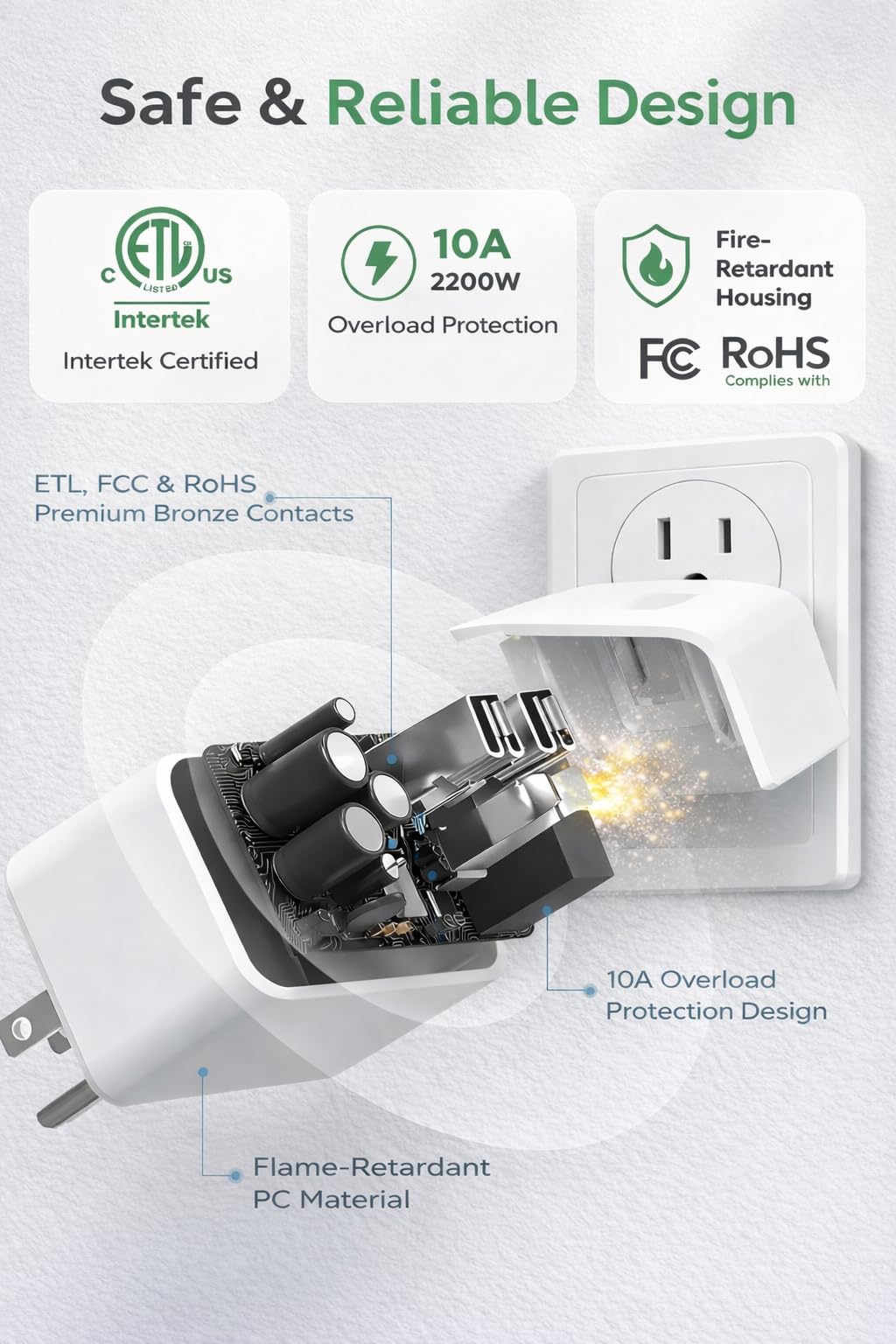
| Valoración actual | 10 A |
| Voltaje operativo | 240 voltios |
| Terminal | ¡Mierda! |
| Tipo de circuito | 1-way |
| Marca | SimpleHut |
| UPC | 199284001312 |
| Tipo de control | Total |
| Número de artículos | 4 |
| Modo de operación | ON-OFF |
| Wattage | 240 vatios |
| Clasificación superior de temperatura | 60 °C |
| Material | Polycarbonate |
| Color | Blanco |
| Tipo de conector | Plug In |
| Tipo de montaje | Wall Mount |
| Product information | |
|---|---|
| Tipo de cambio | Smart Plug |
| Technical Details | |
|---|---|
| Número de la parte | SH-Smart-SKT |
| Modelo | WHDM01 |
| Tipo de material | Polycarbonate |
| Número de posiciones | 4 |
| Protocolo de conectividad | Wi-Fi |
| Otros | |
|---|---|
| Tipo de producto | Plugs |
| Etiquetas | |
|---|---|
| Etiquetas | |