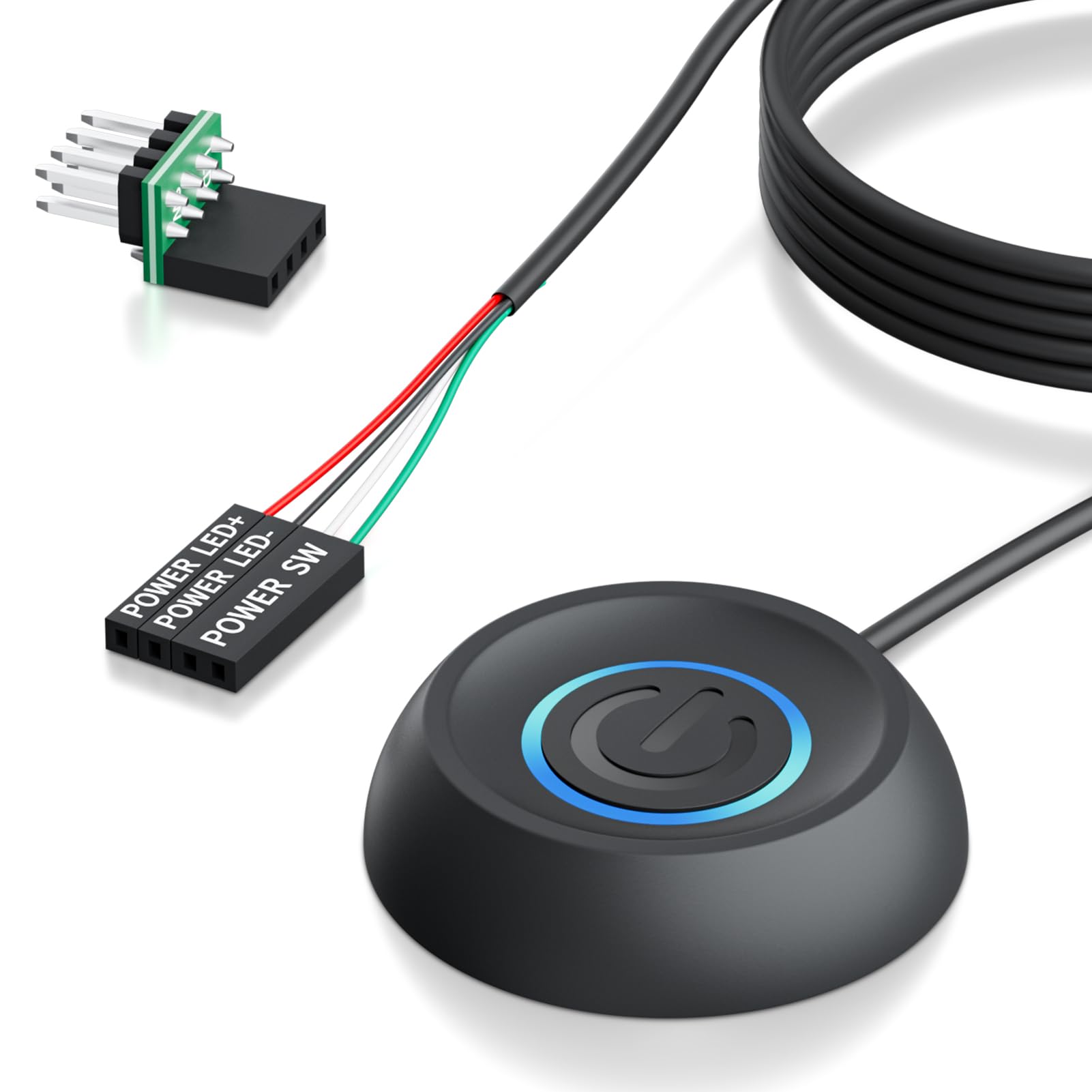

PC Power Button with 118 Inch Cable - Desktop Computer External On/Off Switch LED Indicator, PC Power Supply Button SW Extension with Adhesive Mount, Splitter for Computer Motherboard (Black, 118")
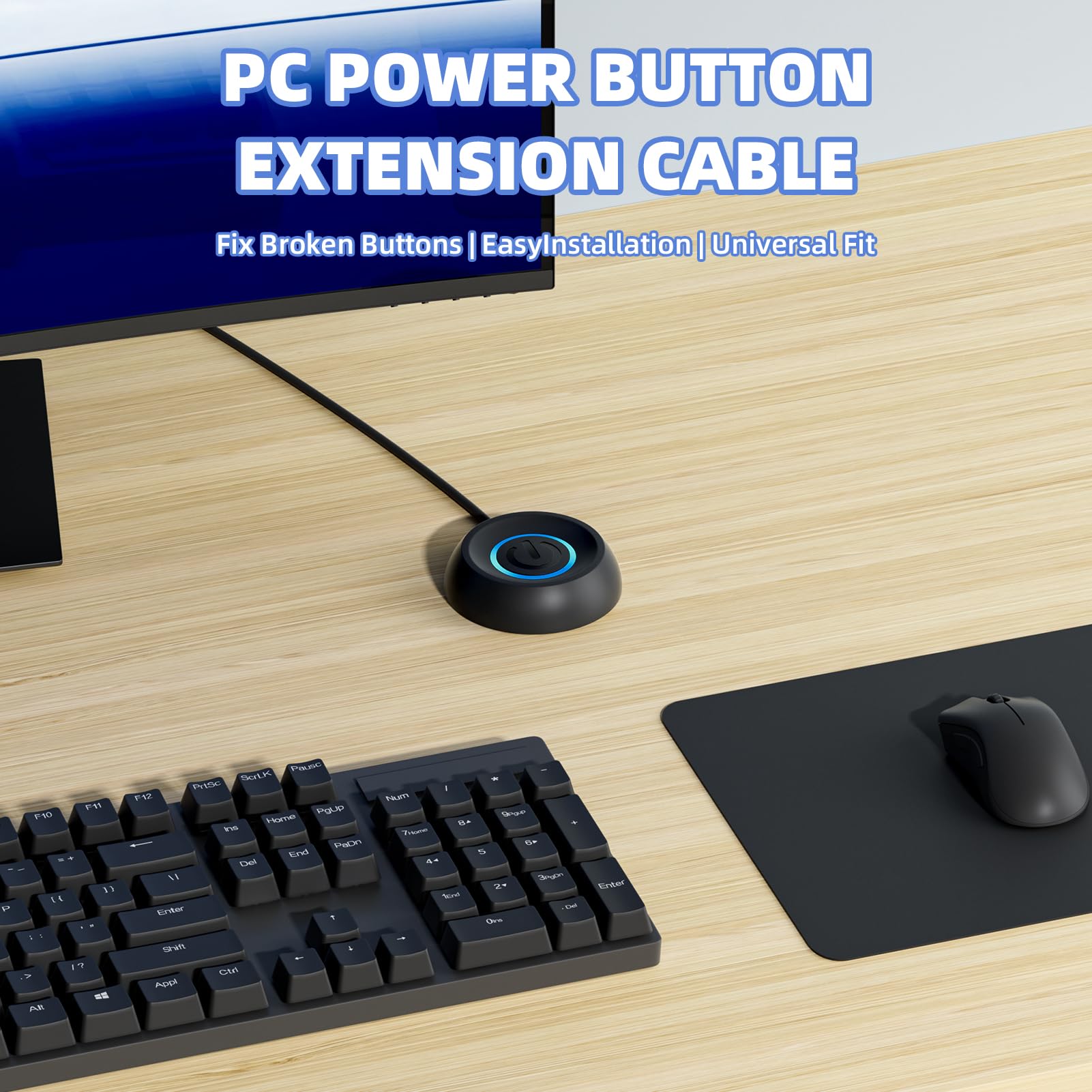
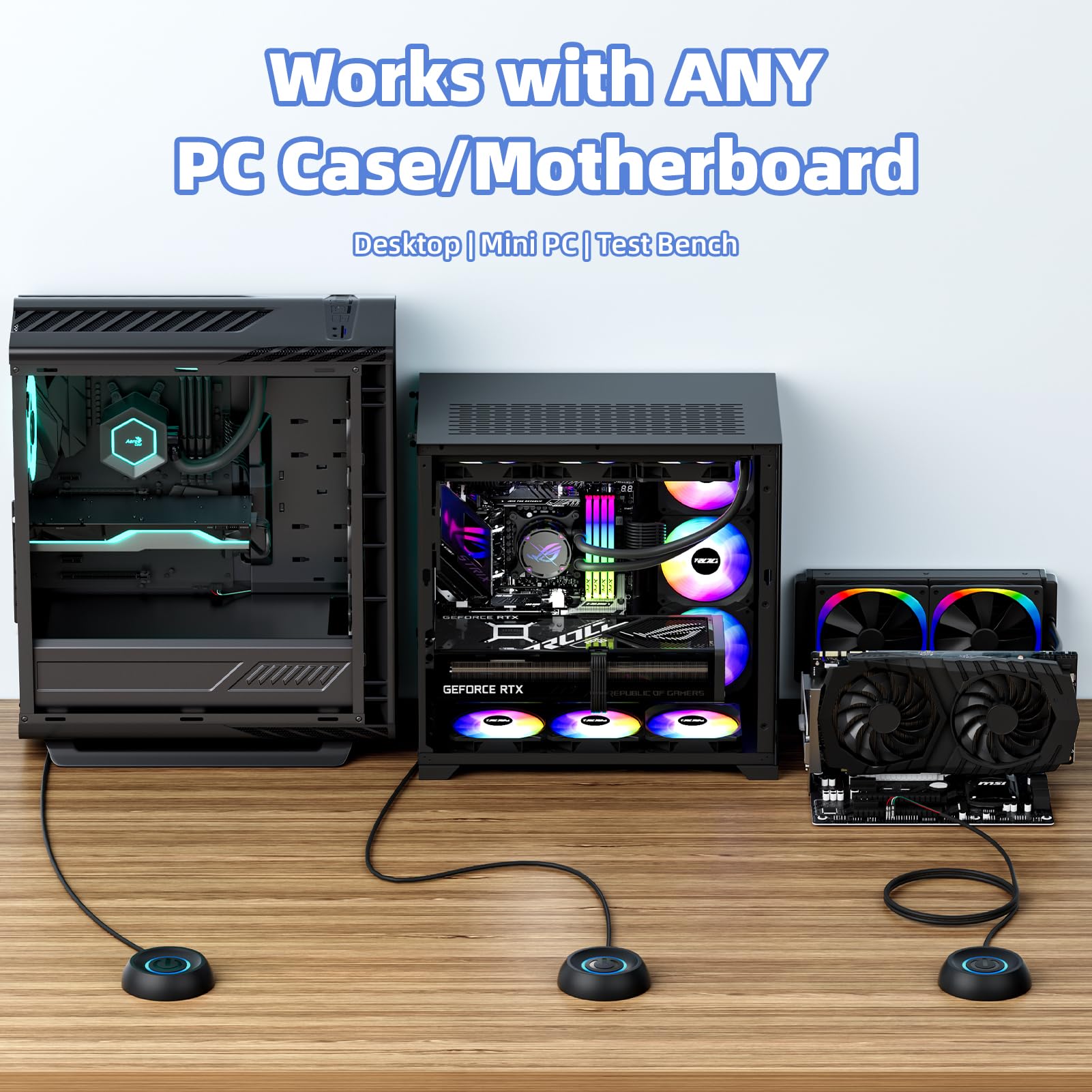
- External desktop PC power switch: If the case is placed in a hard-to-reach place, use this switch to lead to a place where it is convenient to use. Control your PC tower from desk/rack/floor placement. Standard 4-pin connector (POWER SW+/LED+/-) compatible with 90% ATX motherboards. It is recommended for home users, computer rooms, bare-board machines, water-cooled chassis DIY, etc. Not suitable for laptops
- 【Dual Use】Repair and convenience upgrade: For a damaged chassis panel button, this repair provides an ideal solution. Switch wiring can be easily installed via the front optical drive bay or rear fan openings or expansion slots. In addition, the included 118 inch extension cable ensures compatibility with most installation scenarios
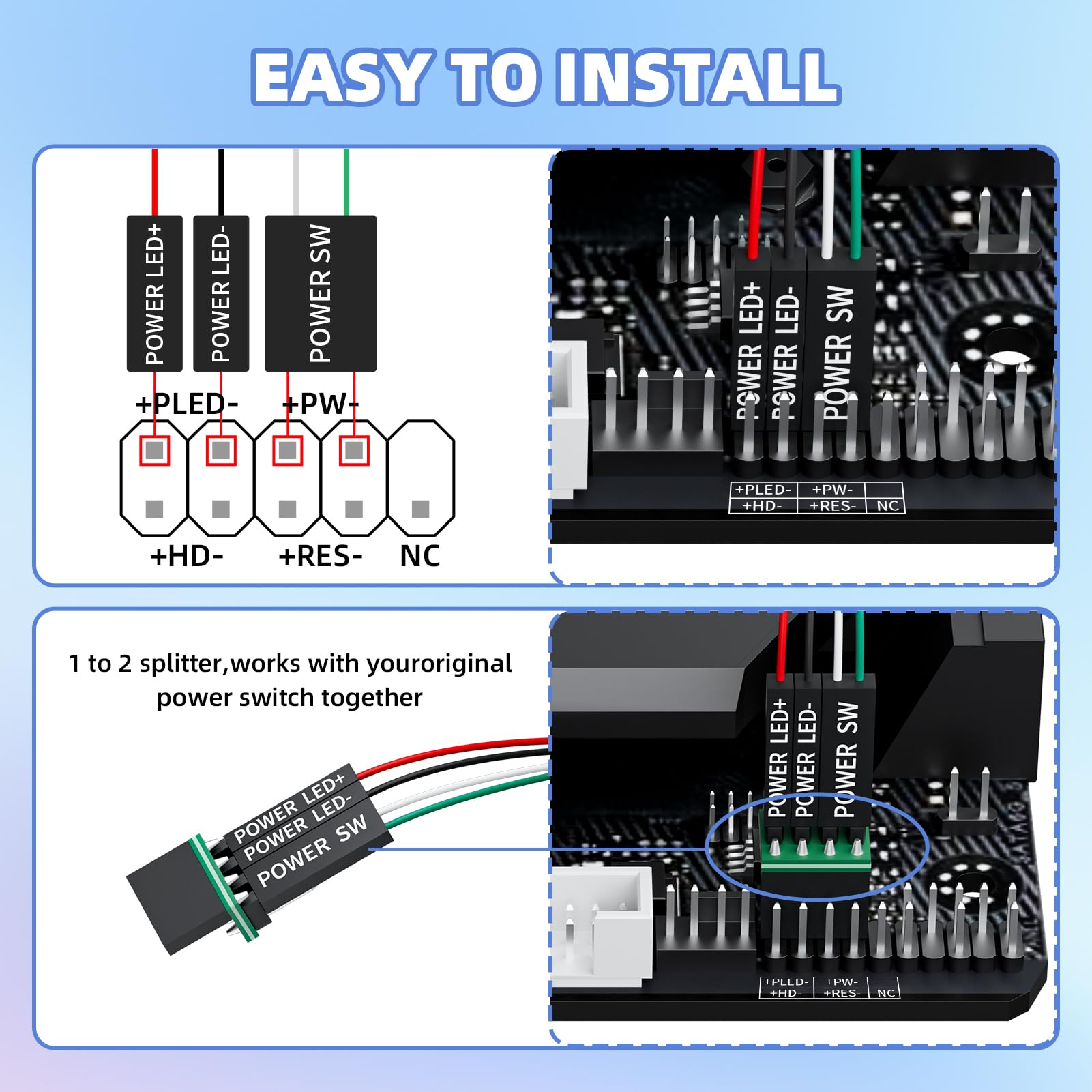
- Easy to install with sticker: Please check the installation instructions in the product description. 1 Find JFP1/F_PANEL pins (bottom edge of motherboard) 2 Matching labels: POWER SW → SW_PW, LED +/- → PLED +/- 3 Secure switch with 3M adhesive stickers on desk/panel. No drilling required
- Splitter for dual switch function: connect original and extended switches at the same time. The small 1 to 2 splitter board makes the power button works with your original power supply. Ideal for test benches / dual system control
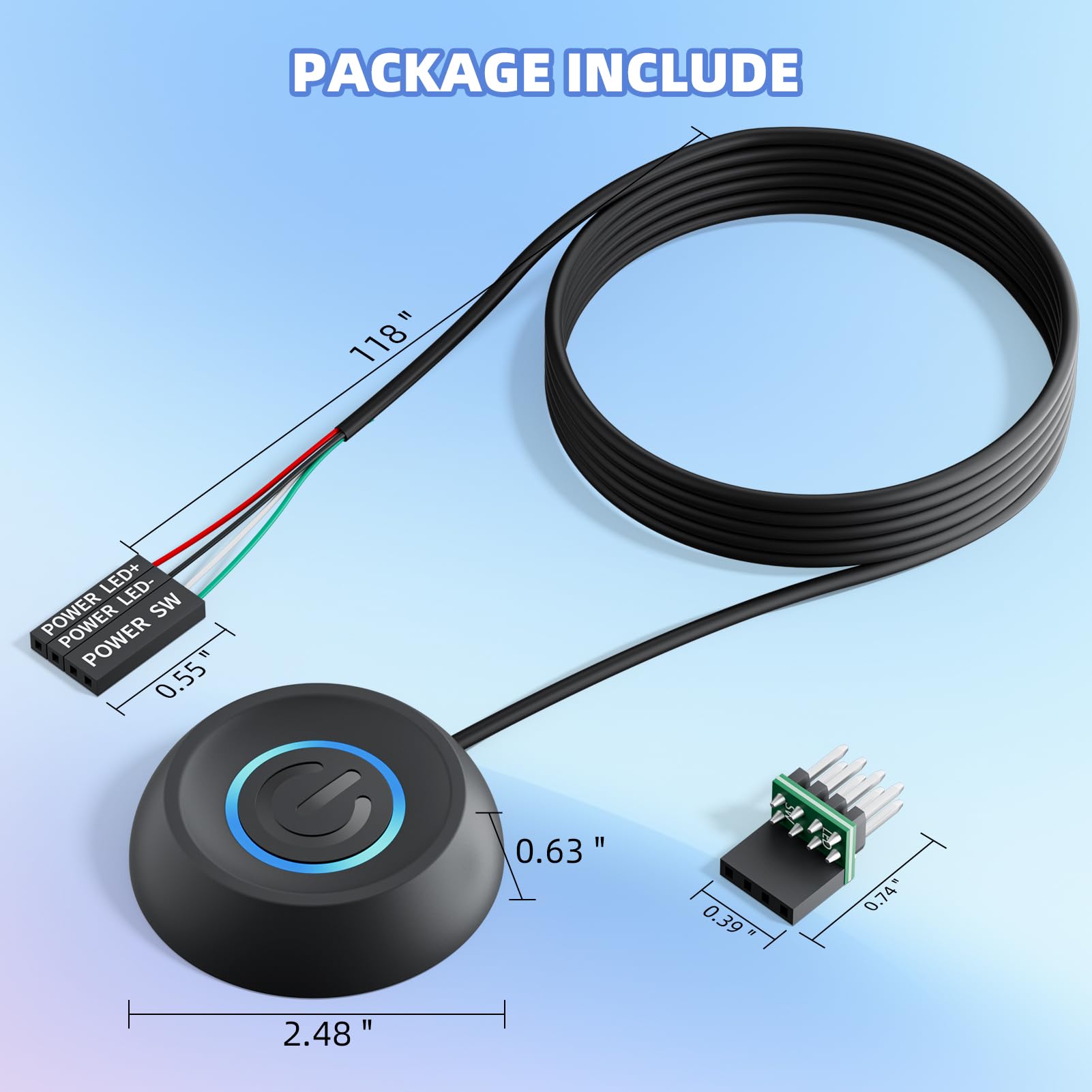
- PACKAGE INCLUDES 1 x Switch (118" Cable) 1 x Splitter 1 x Adhesive Sticker Illustrated Instruction If you need help with installation, please feel free to contact us via your order. We are happy to help you
Estimated shipping
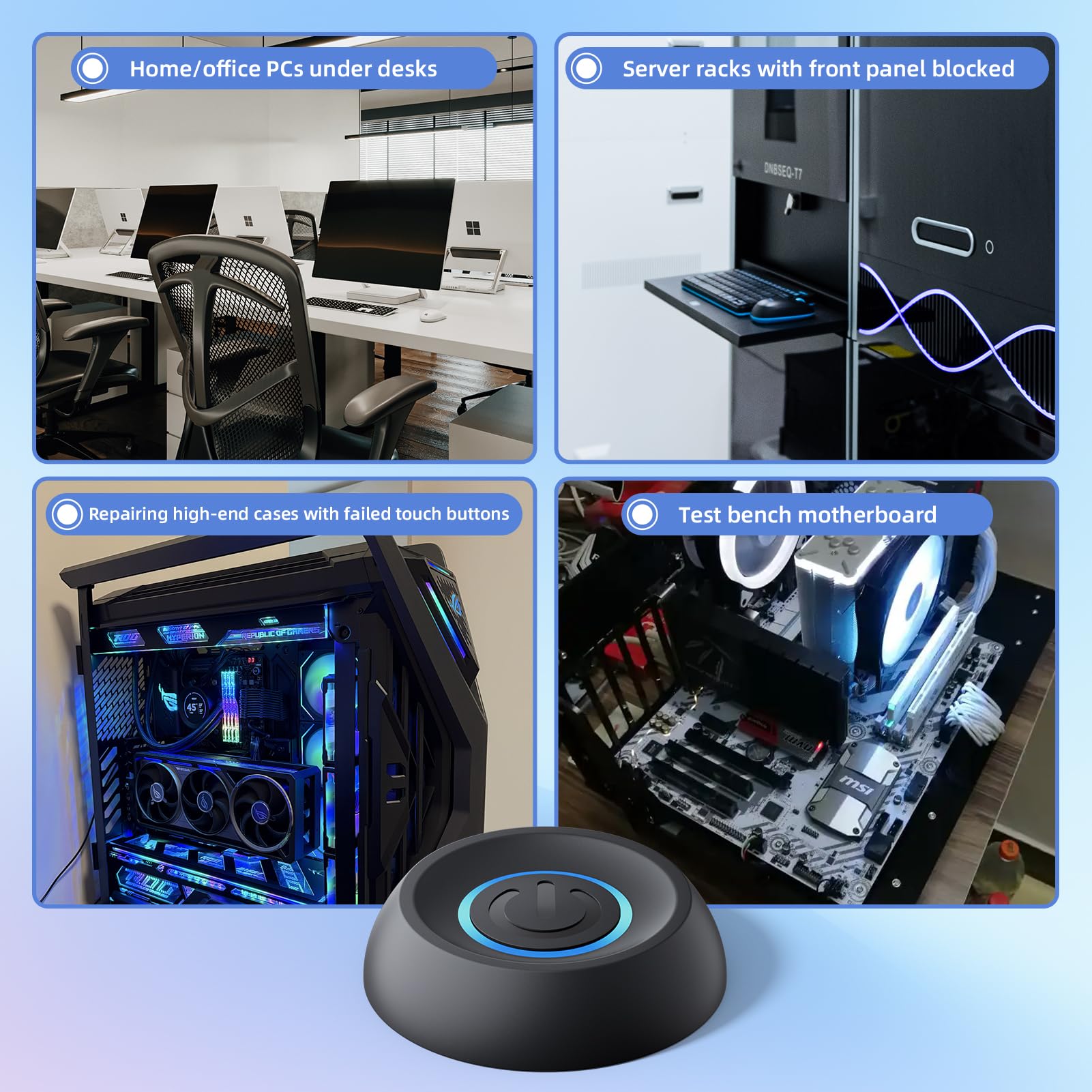
Select a product to estimate shipping.How it works: The splitter cable connects to the JFP1/F_Panel (9 pin block) of the motherboard. Original chassis switch remains functional. Extended switch attaches to desk/access point with adhesive. Main Applications: Home/Office PC Under Desk Server racks with blocked front panel. Repair high-end cases with faulty touch buttons. Test Stand Motherboard Debugging Technical Data: Cable: 16AWG Copper (3m/118") Connector: 4 Pin HDD+/Power SW Housing: 2 x 2 x 2.5cm ABS Case Compatibility: Standard 9-Pin JFP1/F_PANEL Notes: Laptops are not supported (no motherboard pins) Adjust polarity for LED: "+" to PLED +, "-" on PLED
Especificaciones
| Main Specification | |
|---|---|
| Componentes incluidos | 1 x Computer Power Switch ON/OFF with 118" Cable, 1 x 1 to 2 Splitters, 1 x Manua. |
| Fabricantes | LHKLUK |
| Cuenta de unidad | 1.0 Conde |
| Método de control | Empuja Button |
| Tipo de control | Empuja Button |
| Material de contacto | Plástico |
| Tipo de contacto | Normalmente cerrado |
| Valoración actual | 0.01 Amps |
| Voltaje operativo | 5 Volts |
| Tipo de circuito | 1-way |
| Marca | LHKLUK |
| Número de artículos | 1 |
| Modo de operación | ON-OFF |
| Dispositivos compatibles | Armarios ATX |
| Clasificación superior de temperatura | 100 grados Celsius |
| Color | Negro |
| Tipo de conector | ATX |
| Tipo de montaje | Wall Mount |
| Peso del artículo | 0.17 Pounds |
| Product information | |
|---|---|
| Tipo de cambio | Empuja Button |
| Technical Details | |
|---|---|
| Número de la parte | KG-A118 |
| Tipo de material | Plástico |
| International Protection Rating | IP65 |
| Número de posiciones | 1 |
| Item details | |
|---|---|
| Número de modelo | KG-A |
| Measurements | |
|---|---|
| Tema Dimensiones | 6.3 x 6.3 x 1.6 Centimeters |
| Otros | |
|---|---|
| Tipo de producto | Suministros de energía |
| Etiquetas | |
|---|---|
| Etiquetas | |