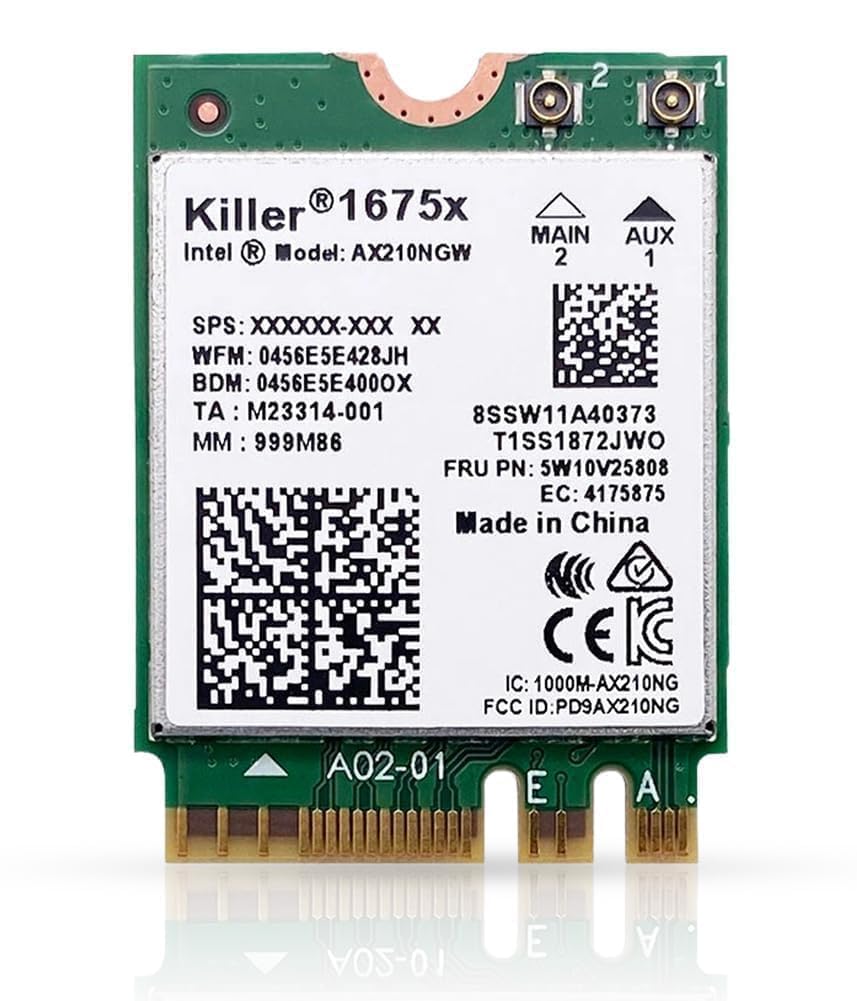
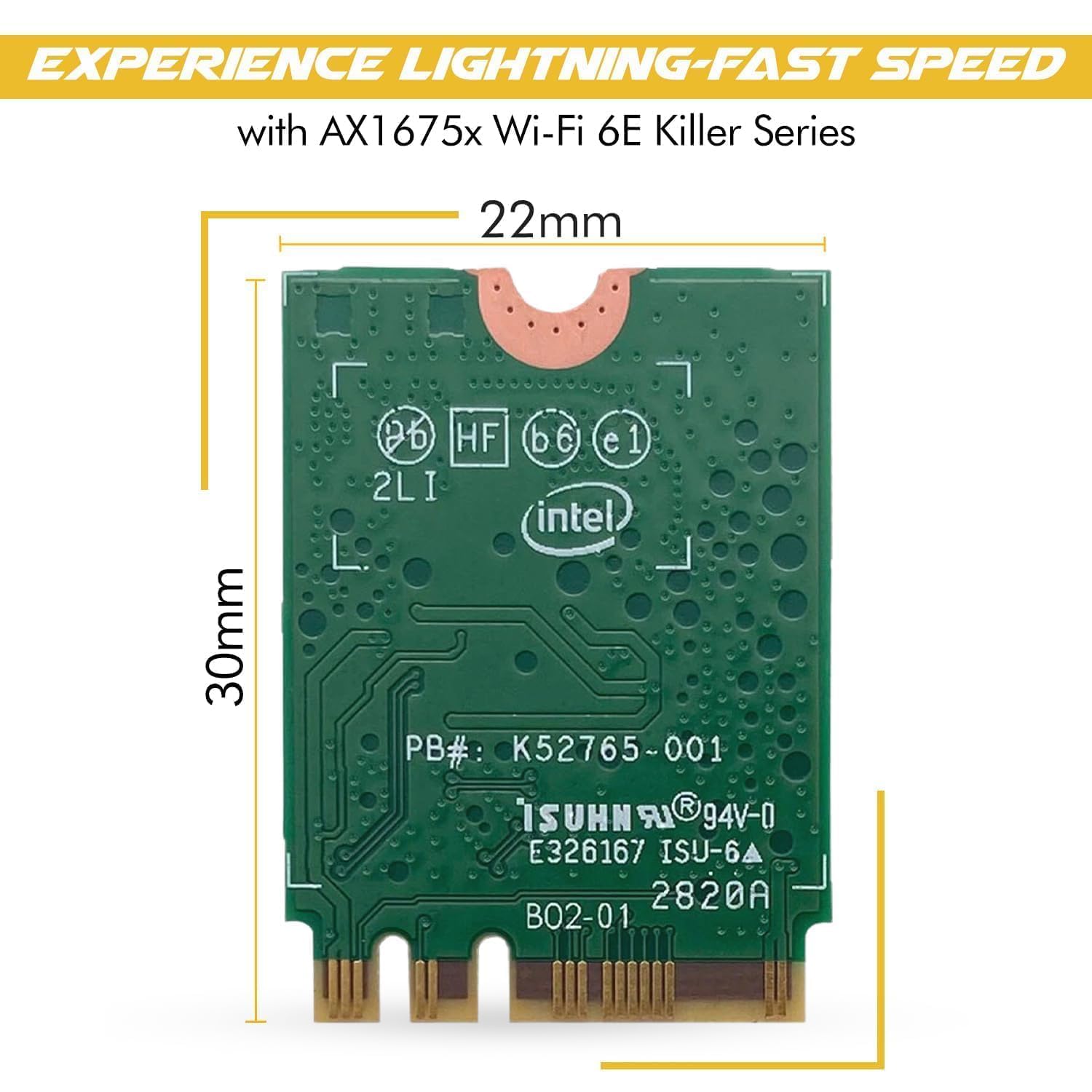


Killer Wi-Fi 6E AX1675x Tri Band AX210 M.2 2230 Bluetooth 5.3 WiFi Card (Single Pack)
Estimated shipping
Select a product to estimate shipping.Max speeds up to 2.4 Gbps Up to 75% less latency while gaming when multitasking, Nearly 3x faster than 2x2 80 MHz wireless-AC devices Compatible with Bluetooth 5.3 Supports Intel Killer Prioritization Engine software Compatible with most newer systems (purchased 2018/2019 or later) running Linux or Windows 10/11 (64-bit). Note: some Wi-Fi 6E features require Windows 11 PC must have available M.2 PCIe slot with Key A or Key E. No support for M.2 CNVio / CNVio2 slots. See model "AX211" if you system requires CNVio2 support. WPA3/ WPA-PSK/PWA 2-PSK/WPA 2/WEP 2.4GHz, 5GHz, & 6GHz wifi frequency bands Drivers are not included. Download drivers from HighZer0 Electronics or Intel support sites Antennas are not included Turn off your system's power, open the back cover, and locate the current wireless module. Gently remove the old antennas & old network card (there might be a screw to remove too). A small screwdriver from an eye-glass kit can easily free the antenna connectors. Reaffix the set screw, if needed, and then install your new network card. Gently and very carefully attach your original antenna connectors to your new network card. Line up the antenna and network card connectors, and gently push down. Test your new Wi-Fi Card by powering on your system. If your system does not automatically install the drivers, you will need to manually install both the Wi-Fi and Bluetooth packages. If your system does not recognize the adapter after installing the drivers, you may have purchased a non-compatible card Guide to possible upgrade or replacement models To see what possible upgrade or replacement options you have: 1) First, find your current WiFi card model in the first column (in blue) 2) Follow the corresponding row across the chart to see your upgrade or replacement options *Note: systems vary, and it is impossible to guaranteed a particular model will work with 100% certainty.
Product details


Especificaciones
| Main Specification | |
|---|---|
| Marca | HighZer0 Electronics |
| UPC | 735858471107 |
| Peso del artículo | 2.9 Grams |
| Product information | |
|---|---|
| Interfaz de hardware | PCIE x 1 |
| Technical Details | |
|---|---|
| Número de pieza del fabricante | HZ-AX210.NGWG.NVX |
| Tasa de transferencia de datos | 2.4 Gigabits Per Second |
| Item details | |
|---|---|
| Número de modelo | AX1675x |
| Otros | |
|---|---|
| Tipo de producto | Tarjetas de interfaz de red |
| Unidad de peso del objeto | 2.9 Grams |
| Protocolo de enlace de datos | Bluetooth |
| Etiquetas | |
|---|---|
| Etiquetas | |